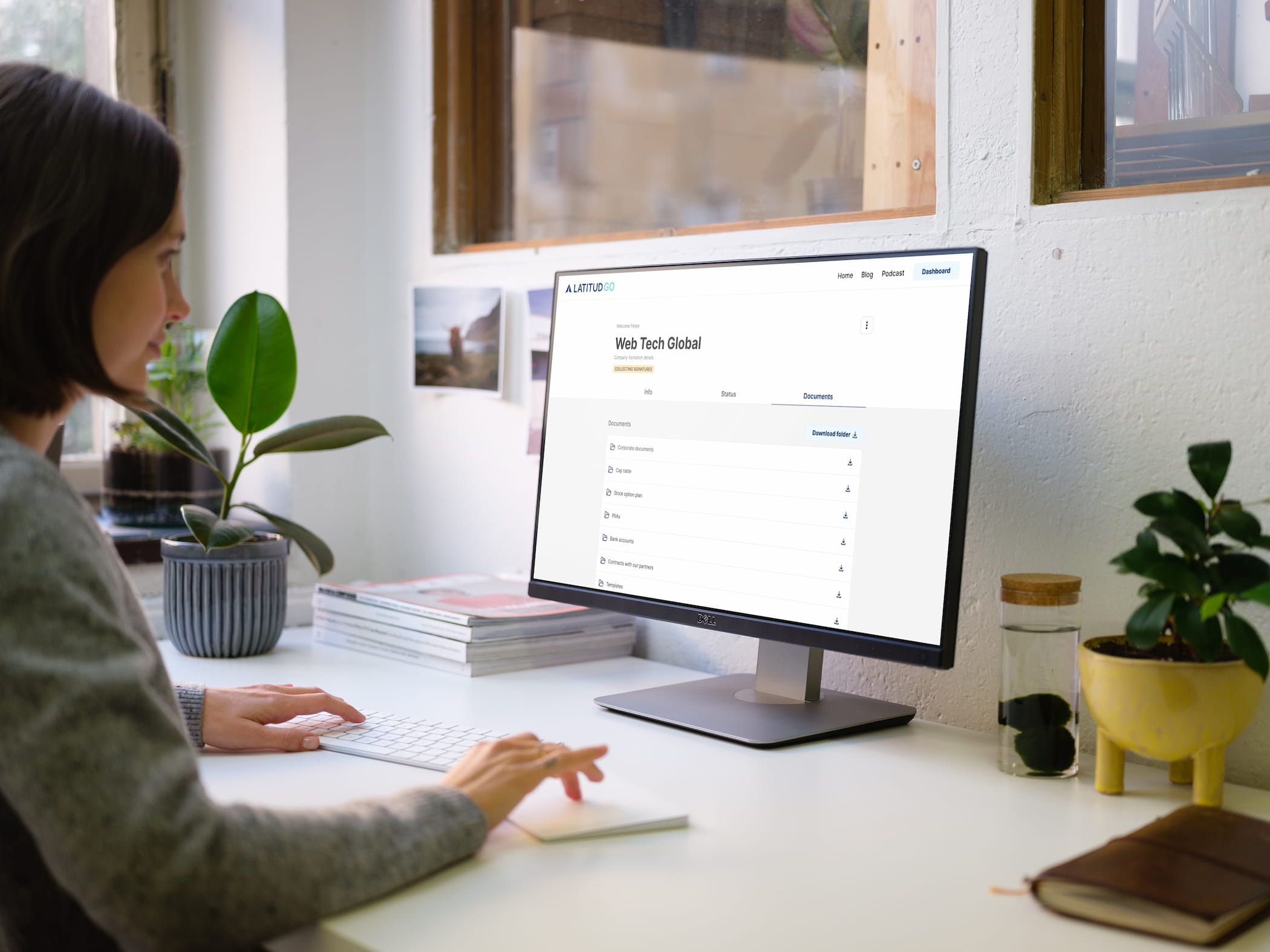
Latitud Go
Platform to create company structures in Latin America and make it easier for international funds to invest safely.
Role
Product Lead & UX/UI Designer
Platform
Web
Team
1 Product Lead 1 UX/UI Designer 2 Full-stack Developers 1 QA

Context
Latitud Go helped companies in Latin America create the legal and operational structure needed to receive investment from international funds. The goal was to make the process reliable for investors and, at the same time, simple for founders when receiving and moving capital into their countries.
Challenge
Build a platform where founders could complete the entire process online, without having to travel or become experts in a legal and operational process that was normally complex and difficult to understand.
An important part of the challenge was that not every step could be automated. Some depended on third parties or required manual work, so we also needed to build an internal dashboard that allowed the team to manage those cases easily and keep the process semi-automated.
The team also had an important challenge: the domain was new for everyone. Before automating anything, we needed to understand exactly how each step worked and what result it needed to produce.

Solution
We started by limiting the scope to company incorporation in Brazil. The first iteration was built based on the experience of Latitud's partners and offered at a fixed price, which allowed us to start working with clients while learning more about the real process.
We worked in weekly iterations. We observed the parts of the process that were still being done manually and, using those learnings, I built clickable prototypes to validate with the team that each flow helped users complete their tasks and was easy to use. Then we moved to development and, within a maximum of two weeks, released new automated features and third-party integrations through APIs.
This incremental process allowed us to automate around 70% of the operation by the end of the project, while only 30% still required manual work.
3x
Faster to create an investment-ready company structure.
My contribution
I designed the user experience through high-fidelity wireframes and defined the product’s visual direction in line with the reference guidelines.
I also managed the project and led the design team in creating all user interfaces, ensuring a consistent experience aligned with the established visual direction.
I managed the client relationship throughout the project, coordinating communication and aligning expectations with the team’s work.


Results
Each process that moved from manual to automated improved operational efficiency by around 80%.
25% weekly increase in client acquisition, driven by a faster initial process as automation progressed.
We built a design system with the core components of the platform, reducing repetitive design work and allowing new features to move into development much faster.
The responsive experience allowed founders to continue the process from their phones and manage it from anywhere.


Decisions
Design a modular dashboard-style interface. We created reusable patterns and components so new pages could be built without designing every screen from scratch.
Start manual before automating. Running the processes manually first gave us precise information and allowed the automation to match around 90% of what operations actually needed, reducing rework later.
Define roles and permissions from the product. We clearly separated the needs of founders, the operations team, and administrators so each profile only saw the information and actions they needed.
Do not build what a third party already solves well. For processes such as document signing, we decided to integrate tools like DocuSign instead of building our own solution, helping us deliver faster and reduce complexity.
What I would do differently
From the beginning, I would design the experience more like an operational dashboard and less like a consumer-facing interface. As the number of steps, statuses, and tasks grew, a denser interface would have used the space better and made operations easier.